What's New in GuardGrid: July 2026
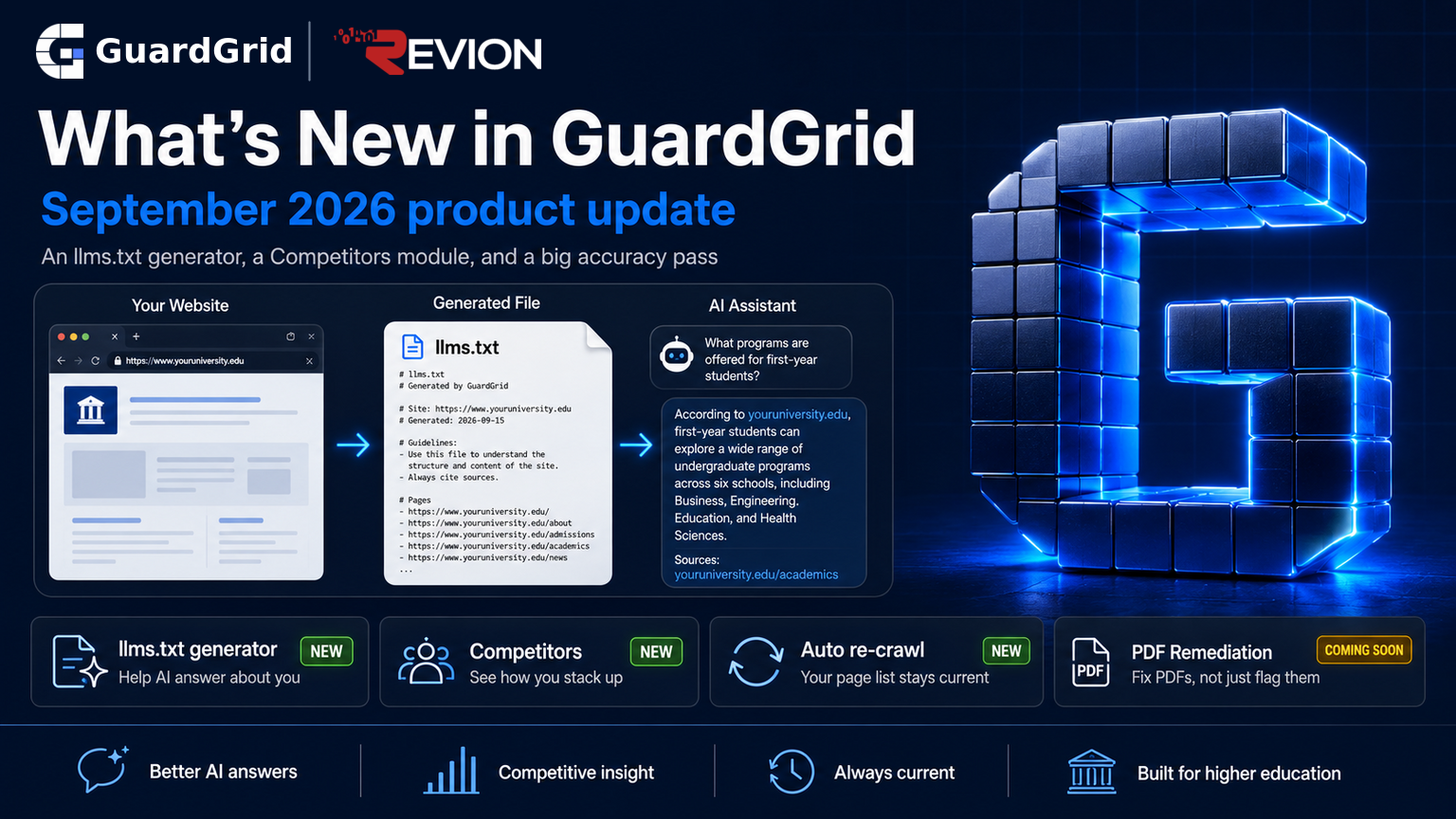
Faster full-site scans, scanning that succeeds behind strict Content Security Policies, Canvas LMS course checks, and a broad security hardening pass.
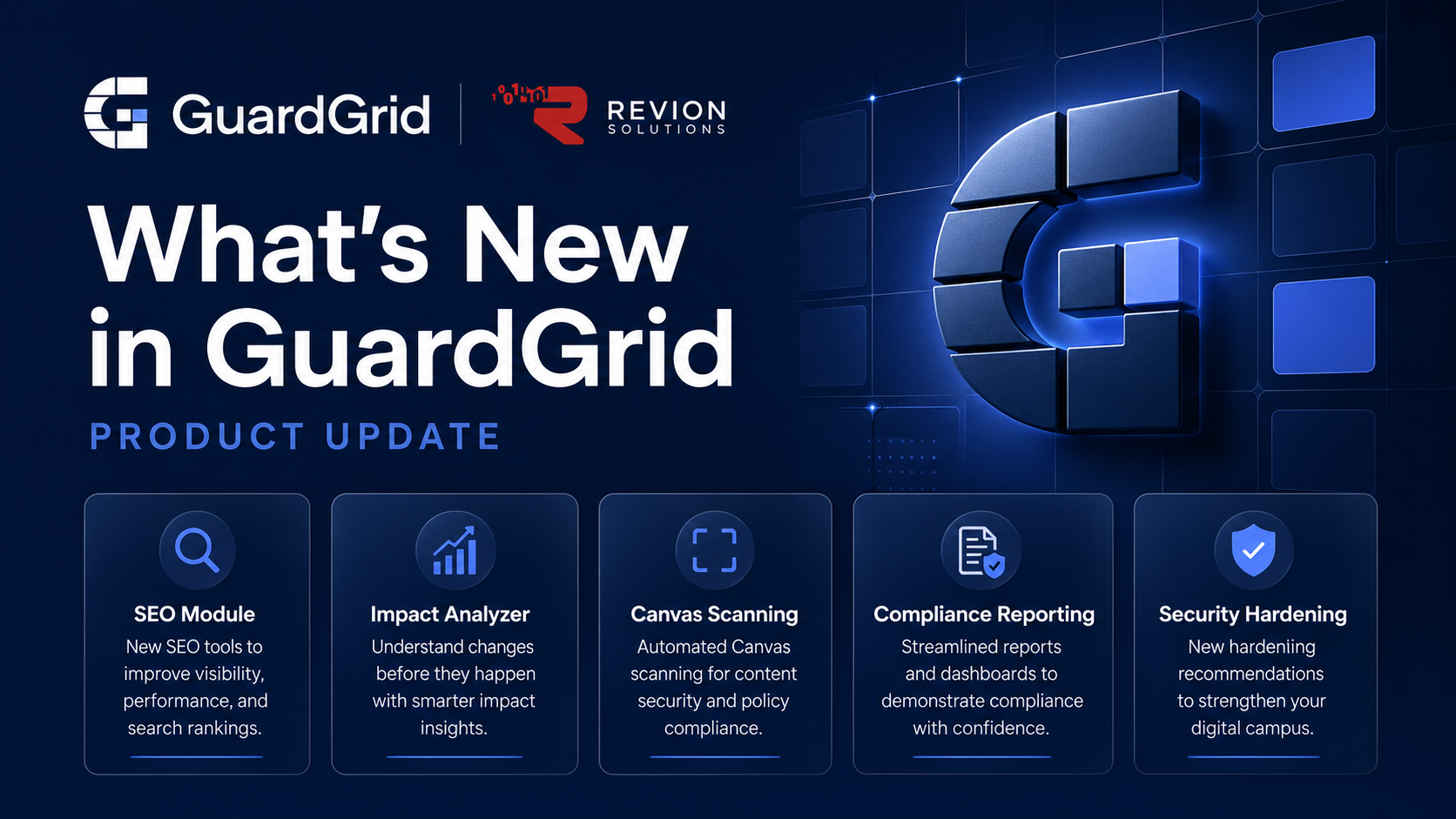
Welcome to the first in a recurring series of GuardGrid product updates. Over the last few months we shipped a lot across accessibility, SEO, and compliance, so here is the roundup in one place, for customers and for anyone getting a site ready for the DOJ Title II deadlines. Everything below is live now. If you are new to GuardGrid, you can run a free scan or explore the full platform.
SEO Module
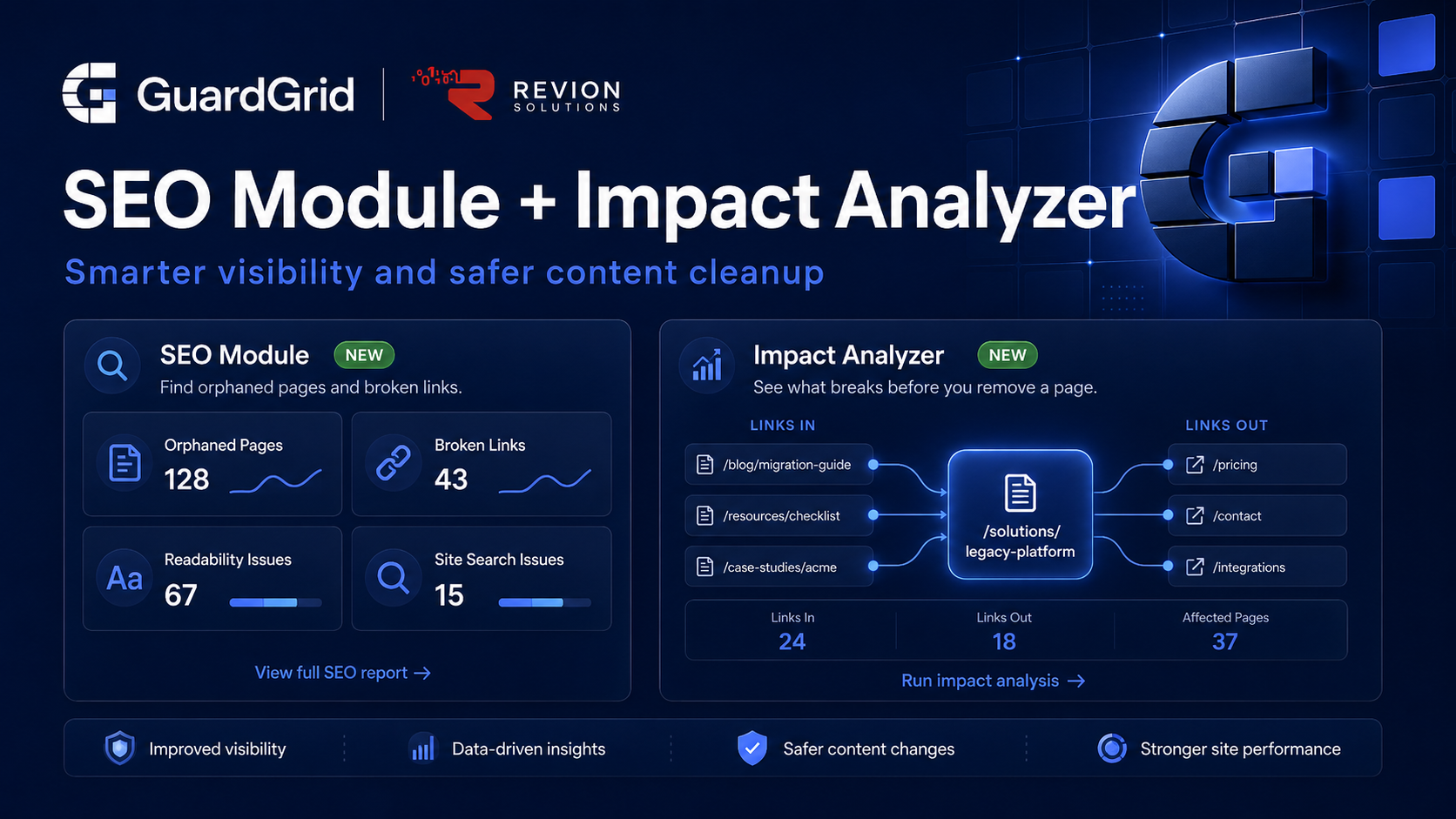
SEO is now a full module in GuardGrid, not just a handful of checks.
The headline addition is Orphaned Pages, which finds every page that no other page on your site links to. Orphaned content is effectively invisible to both visitors and search engines, so it is a quiet drag on your SEO and a common place for old, non-conformant pages to hide. GuardGrid lists them so you can add an internal link and make them findable again. Pages reachable only through your navigation or footer are shown separately, since no page’s content actually points at them, and you can ignore a page you left unlinked on purpose, reversible at any time.
Around it, the module now includes broken-link tracking with full trend history, a Broken Images tab that catches images that fail to load or are missing alt text, readability checks, and a Backlinks view of your inbound links by source. You can group the Pages view by issue type, filter to a single issue, and page through large sites comfortably. If SEO is a priority for your team, our SEO services build on the same data.
Word Search across every page
New this cycle, Word Search lets you find every page that mentions a specific word or phrase. It searches the full body text of every page in your latest scan and shows you exactly where the term appears: the surrounding snippet, and where it sits on the page, whether in a heading, a paragraph, or a list item. It supports whole-word, exact-phrase, wildcard, and regular-expression matching, opens any result in a new tab, and exports to CSV.
It is built for clean-ups. If your institution retired a program, changed a vendor, or renamed a department, Word Search finds every page that still says the old thing, which is exactly the kind of stale content that hurts both accuracy and search rankings.
Impact Analyzer
Before you remove a page, Impact Analyzer shows you exactly what will break. It builds a link-graph snapshot of your property and surfaces which pages have the biggest blast radius if they are broken or removed. Click any page to see everything that depends on it, and use the AI-powered redirect suggestions when you are planning removals or consolidations. Its companion, the Cleanup Planner, lets you build a redirect map and export an nginx config, so you can plan a 404 cleanup in one place before touching your server. This pairs naturally with full-site scanning, since the real risk lives in the pages a single-URL check never sees.
Canvas Scanning
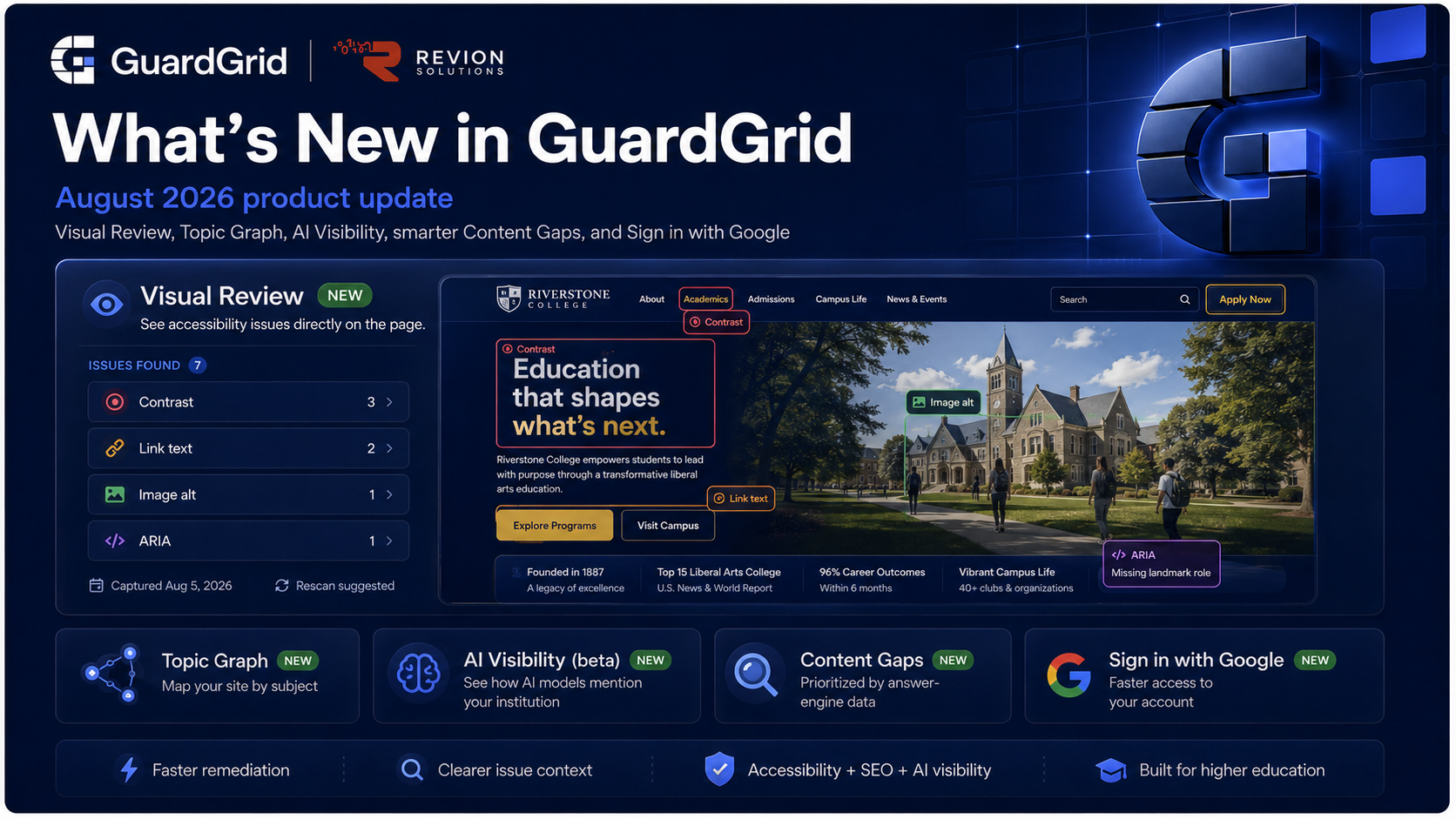
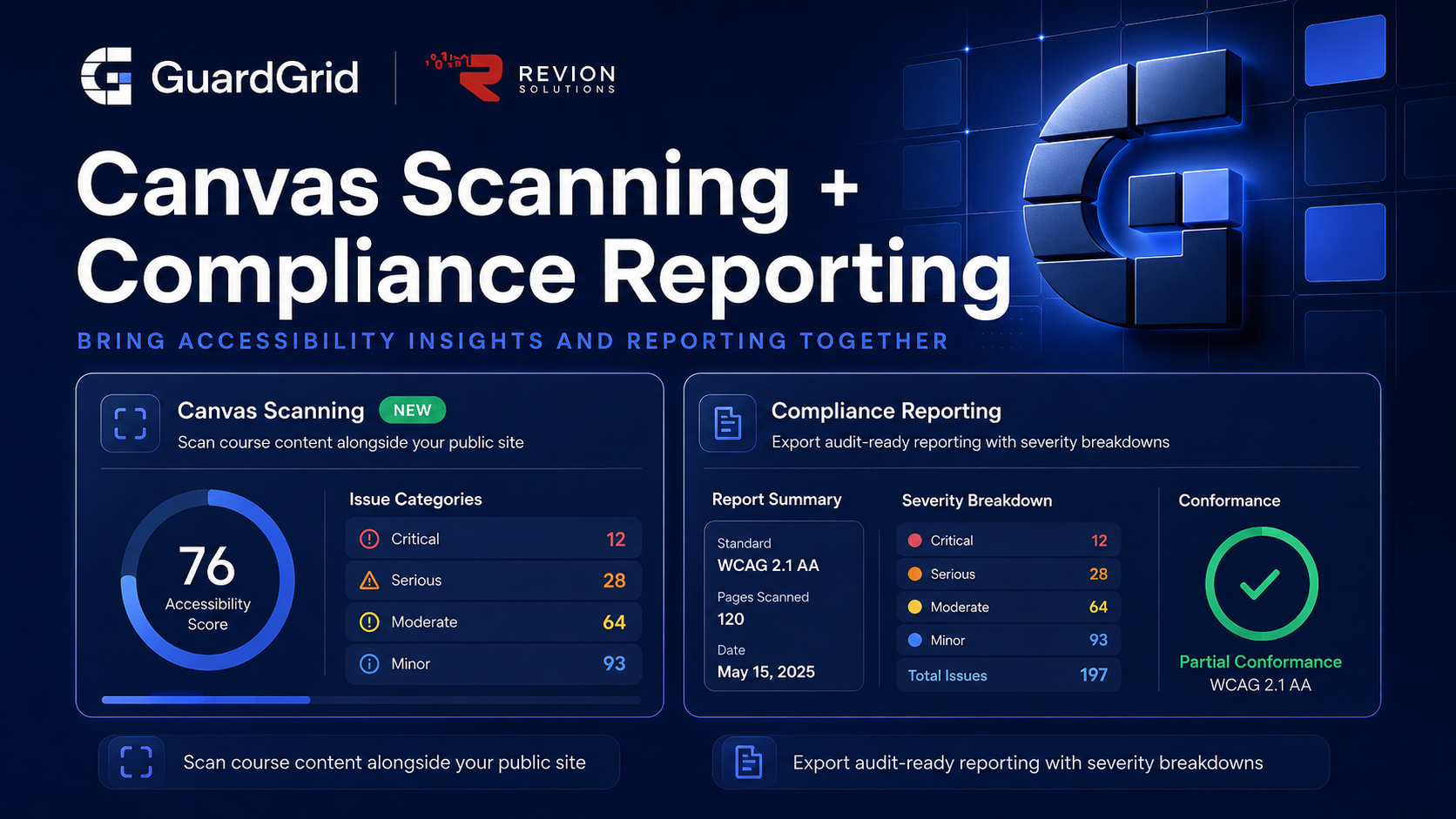
GuardGrid now integrates with Canvas LMS, so you can scan your Canvas course content for accessibility alongside your public website. A large share of what students actually interact with lives inside the LMS, and that content is now in scope. This closes a gap most accessibility tools ignore entirely.
Compliance Reporting
Every property now has a Compliance tab that generates tamper-evident PDF reports for audits and evidence. Each report is content-hashed with SHA-256 and includes your WCAG 2.1 AA scorecard with grade and conformance status, top findings with affected pages, a full per-page appendix, a methodology statement, and a signature line. The cover shows your score change against the previous scan, so progress is visible at a glance. These are built for legal counsel, accreditation reviewers, grant applications, DOJ Title II auditors, and board reporting. If you are documenting a remediation program, our ADA compliance remediation service uses these reports as the evidence trail.
Brand Monitor
Brand Monitor, available as a paid add-on, tracks web and social mentions of your institution with sentiment classification and domain authority signals. The recent v2.5 release added side-by-side competitor tracking, AI Brand Presence that classifies how AI search engines describe you across three tiers (Mentioned, Recommended, Featured), customizable AI search queries, and per-row manual sentiment correction. As prospective students increasingly begin with an AI assistant, this becomes part of the same reputation picture as accessibility and SEO.
WCAG 2.2 and a deeper privacy audit
Your chosen standard now drives the scan. Selecting WCAG 2.2 AA changes which rules run and adds the Target Size check, which flags controls that are too small to tap reliably, and WCAG 2.2 AA is now the recommended default. A Level AAA option is available in bulk settings and per page. The Privacy tab also had a major upgrade: it groups trackers by type and risk, runs a real cookie audit, checks your security headers, detects your consent platform, and rolls it into a 0 to 100 Privacy Score with an A to F grade.
Spanish spellcheck
Spell-check now detects each page’s primary language and checks Spanish pages with a Spanish dictionary, so accented words like matrícula, inscripción, and educación are understood rather than flagged. English pages are completely unchanged. This matters for the many institutions serving bilingual student populations.
Faster scans and reliability
We rebuilt the scan pipeline. Full-site scans now complete substantially faster on every plan, with no configuration change. Sites with strict Content Security Policies, common on .gov and .edu domains, now scan successfully where they previously failed, which keeps coverage honest across your whole site. We also completed a broad security and reliability hardening pass, including stronger session handling, so signing out fully ends your session on our servers, and tighter data isolation between organizations. None of it changes how you sign in or use the app.
What’s coming next
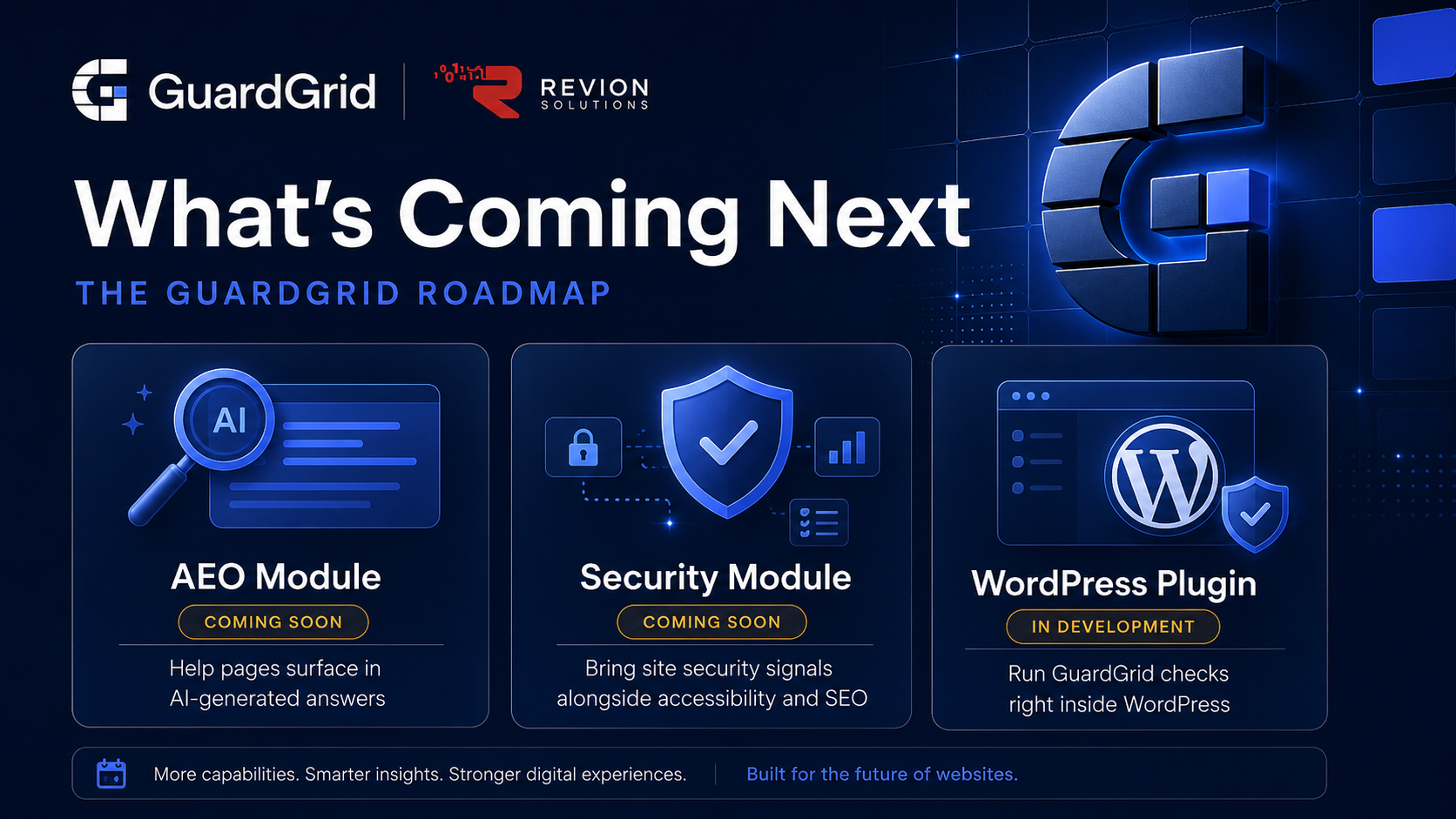
A few things we are actively building. An AEO module to help your pages surface inside AI-generated answers, and a dedicated Security module that brings site security signals in alongside accessibility and SEO, are both marked coming soon in the sidebar. A GuardGrid WordPress plugin is in development, so your scan results can appear right inside the WordPress admin.
See it in your account
GuardGrid customers can use all of this now. Log in to see it in your account. Not using GuardGrid yet? Run a free scan to see where you stand against WCAG 2.1 AA, or compare plans. GuardGrid is offered to colleges and universities through CollegeInbound, our higher-education program. Questions about any of this? Get in touch.