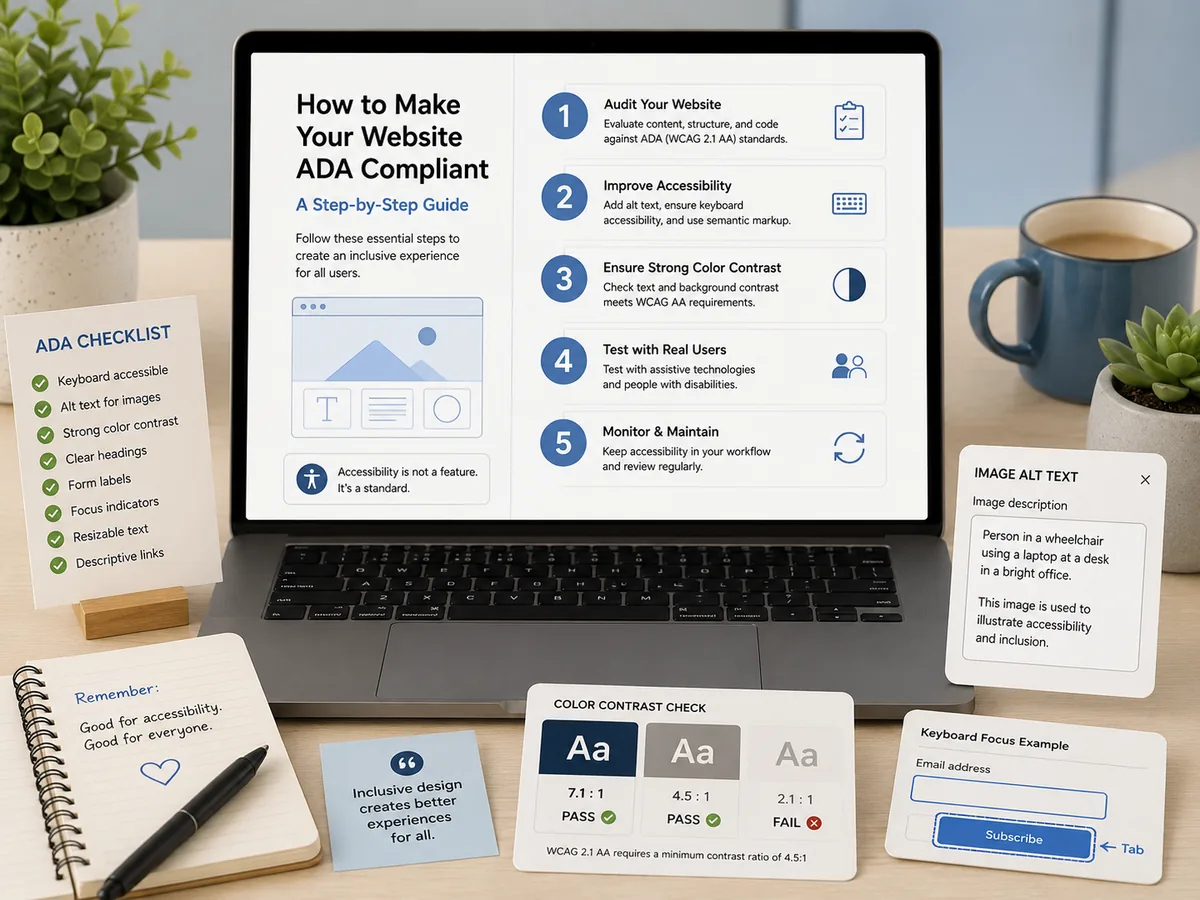
ADA Website Remediation: A Practical Guide
How website accessibility remediation actually works: audit the whole site, prioritize by severity, fix templates first, verify, and keep dated evidence.

Most accessibility projects fail in the same place. Someone commissions an audit, a consultant delivers a 200-page PDF listing several thousand violations, and the document goes into a shared drive where it slowly becomes inaccurate. Nobody fixed anything. The organization now has documentation that it knew about problems it did not address, which is arguably worse than not having looked.
This guide is about the other path.
The short answer
Website accessibility remediation is the work of correcting barriers in the source your server actually delivers: templates, components, content, and documents. A working program runs in five stages: audit the whole site, prioritize by severity, fix templates before pages, verify each fix with a re-scan, and keep dated evidence as you go. The audit is not the deliverable. The corrected site plus the record of how it got that way is the deliverable.
Stage 1: Audit the whole site, not a sample
You cannot prioritize what you have not measured, and a sample is not a measurement.
The homepage is the least representative page you own. It is the most carefully maintained, most frequently reviewed, and most likely to be clean. Behind it sit the department subsites nobody has touched since 2014, the catalog system, the forms, and the archive. That is where the violations concentrate.
A useful baseline gives you three things: a score per property so you can see which sites are worst, a per-page result set naming the exact failing element and the success criterion it breaks, and an inventory of documents. If your audit cannot tell you which specific <img> on which specific page is missing meaningful alternative text, it is not actionable enough to remediate from.
Be realistic about what the automated portion covers. Industry consensus puts automated detection at roughly a third to 40 percent of WCAG success criteria, and the W3C is explicit in its guidance on evaluating accessibility that “no tool alone can determine if a site meets accessibility standards. Knowledgeable human evaluation is required.” Plan a manual review pass for the criteria machines cannot judge: meaningful alt text, logical reading order, understandable error messages, and whether a keyboard-only user can complete each critical task.
Stage 2: Prioritize by severity and reach
A raw violation count is a bad worklist. Ten thousand findings sorted alphabetically by page URL will demoralize a team in an afternoon.
Two dimensions should drive the order:
Severity. A keyboard trap that prevents someone from completing an application is not equivalent to a decorative image with a redundant alt attribute. Sort critical and serious findings to the top: keyboard traps, unlabeled form fields on transactional pages, missing alternative text on informational images, and contrast failures on body text and controls.
Reach. A violation in a shared header appears on every page. A violation on one archived news post appears once. Same finding type, wildly different value in fixing it.
The intersection of those two is where a program should start, and it is why the first week of a well-sequenced remediation usually clears a very large share of total page-level violations. We wrote about the scoring mechanics separately in how severity weighting should shape your fix list.
Stage 3: Fix templates before pages
This is the leverage point, and it is the difference between a project that finishes and one that does not.
Most sites carry the bulk of their violations in five to ten reusable templates and components. A branded call-to-action button whose color pair fails contrast fails everywhere it appears. A card component that wraps an image without an alt attribute fails on every listing page. A navigation menu that cannot be operated by keyboard fails on the entire site at once.
WebAIM’s annual study of the top one million home pages, run most recently in February 2026, found detected WCAG failures on 95.9 percent of home pages, averaging 56.1 errors per page, with six failure types accounting for 96 percent of all errors: low contrast text, missing image alternative text, missing form input labels, empty links, empty buttons, and missing document language. Read that list again and notice how many are component-level design decisions rather than one-off content mistakes. That is why template work pays.
The practical sequence inside this stage:
- Fix the global layout: skip link, landmark structure, heading hierarchy, focus visibility.
- Fix the design system: contrast pairs, focus styles, target sizes, form field labelling patterns.
- Fix shared components: navigation, cards, modals, date pickers, carousels, accordions.
- Then move to page-level and content-level issues, which by this point is a much shorter list.
Custom widgets deserve special attention
Date pickers, mega menus, modals, and carousels built without accessible patterns are the most common source of issues that automated tools flag only partially. A mouse user never notices that focus escapes a modal into the page behind it. Test each interactive component with a keyboard alone, then with a screen reader, and consult the W3C’s How to Meet WCAG quick reference for the specific techniques that apply.
Stage 4: Do not forget documents
On higher-ed and government sites, the PDF library is routinely the largest untracked liability on the property. Catalogs, board minutes, program sheets, forms, and policies accumulate for decades, and almost none of them are tagged.
Three things make document remediation different from HTML work. Scanned documents may have no text layer at all, meaning a screen reader encounters an image of a page and nothing else. Tagging and reading order have to be applied per document rather than fixed once in a template. And the volume is often measured in thousands of files, so triage matters more here than anywhere else.
Prioritize documents that are currently in use and tied to a service: application forms, financial aid materials, current catalogs, meeting notices. Archived material that is genuinely not in current use may fall under a narrower obligation, but treating that as a blanket exemption is risky.
One strategic note before you start: federal guidance on creating accessible PDFs states that agencies should prioritize HTML and use PDFs only when necessary. Some of the documents on your remediation list should not be remediated at all. They should become web pages.
Stage 5: Verify, then keep verifying
A fix that has not been re-tested is a claim, not a result.
Every corrected item should be re-scanned to confirm the violation is actually gone, not merely edited. This matters more than it sounds: a well-intentioned fix that adds alt="" to an informative image technically removes the missing-alt finding while making the page worse for a screen reader user.
Then the program has to keep running, because a website is not a static artifact. New content reintroduces violations. A department publishes a page from an old template. A vendor updates an embedded widget. A redesign quietly reverts a contrast fix. Point-in-time audits go stale the day after they are delivered, which is why continuous scanning with alerting on score drops and new critical violations is the only version of this that holds.
Who actually does the fixing
This is the question that decides whether a remediation program happens, and it deserves a straight answer.
A scanner does not fix anything. It finds issues, pinpoints the failing element, maps it to the criterion, and tracks status. That is genuinely valuable and it is not remediation. Any product claiming to automatically correct your site is either describing an overlay, which changes what a visitor browser renders rather than what you publish, or overstating what it does.
Your team can do it if you have developers with capacity and someone who owns the program. This is the cheapest path and the one most likely to stall, because accessibility work competes with everything else on the roadmap.
A service can do it when capacity is the binding constraint. That means engineers working in your codebase or CMS, changing your source, then re-scanning to verify. The output is a better site that stays better whether or not you keep paying anyone.
The combination that works best is audit plus fix plus prove plus monitor, and most vendors only sell one or two of those. Audit-only providers hand you a list. Fix-only providers give you a point-in-time improvement with no ongoing record. Scan-only tools tell you the truth continuously but leave the work to you.
That is the gap our ADA compliance remediation service is built for: GuardGrid finds and documents, Revion Solutions engineers do the hands-on fixing template by template including the document library, we re-scan to verify each change, and the evidence trail stays continuous through the engagement.
Keeping the evidence
Throughout all five stages, capture the record. When a complaint or a procurement review arrives, the question is not whether your site was perfect that day. It is whether you can show a continuous, dated, good-faith program: what you knew, when you knew it, what you prioritized, and what you fixed.
The artifacts worth generating are a VPAT 2.5 for procurement, evidence reports with severity breakdowns, a publishable accessibility statement, and a score history per property. GuardGrid produces all of these from your real scan data rather than from a questionnaire, which is what makes them describe your site rather than the tool.
If a demand letter is what brought you here, start with what to do when an ADA website demand letter arrives. If you are earlier in the process and still choosing tooling, ADA compliance tools: how to choose the right one covers the categories, and our comparison of ADA compliance tools lays out where each one fits.
Ready to see the baseline? Run a free scan and start from real numbers rather than an estimate.
Frequently asked questions
What is ADA website remediation?
ADA website remediation is the work of finding accessibility barriers on a website and correcting them in the source: the HTML, CSS, JavaScript, templates, content, and documents your server actually delivers. It is distinct from auditing, which only identifies problems, and from overlays, which adjust what a visitor browser renders without changing what you publish.
How long does website accessibility remediation take?
It depends almost entirely on how many reusable templates your site has and how large your document library is, so any vendor quoting a fixed timeline before seeing your baseline is guessing. What is predictable is the shape of the curve: template-level fixes clear a large share of page-level violations early, then progress slows as the work moves into one-off pages, custom widgets, and PDFs.
Does remediation mean rebuilding our website?
Usually not. Most violations on a large site come from a small number of reusable templates, components, and content patterns. Fixing a button component that fails contrast corrects every page that uses it. A rebuild is only warranted when the underlying framework makes accessible markup impossible, which is rare.
Do we need to remediate our PDFs too?
Yes, if they are part of what you offer the public. Documents are in scope under the same obligation as web pages, and on higher-ed and government sites the PDF library is frequently the largest untracked liability. Federal guidance encourages prioritizing HTML and using PDFs only when necessary, which is worth remembering before you remediate a document that should have been a web page.
How do we prove the remediation actually happened?
Through dated artifacts generated from real scans: a VPAT for procurement, evidence reports with severity breakdowns, a publishable accessibility statement, and a score history showing the trend over time. The record matters as much as the fixes, because what protects an organization in a complaint is documented good-faith effort rather than a claim of perfection.