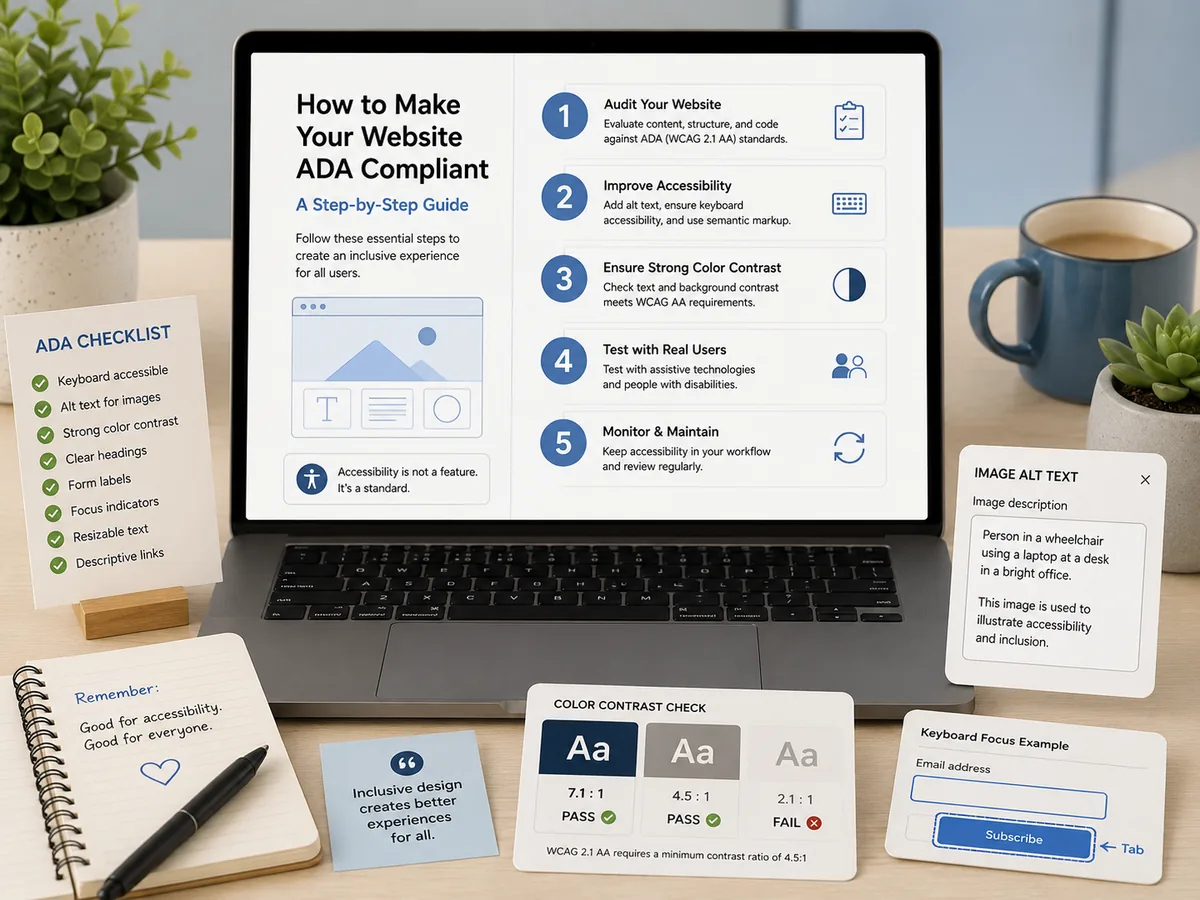
ADA Compliance Tools: How to Choose
Overlays, governance suites, free checkers, and full-site scanners solve different problems. An honest guide to the categories and what to ask before buying.
Most people arrive at this question after something forced it: a procurement office asked for a VPAT, a complaint landed, a new director asked what the widget in the site footer actually does, or a deadline finally got close enough to be real. Then they search for ADA compliance tools and find a market where four fundamentally different kinds of product describe themselves in nearly identical language.
This guide separates them.
The short answer
There is no single best ADA compliance tool, because the categories solve different problems. Overlays change what a visitor sees at runtime. Free checkers test one page. Enterprise governance suites and full-site scanners test everything you publish and keep a record. Remediation services put a human in your code. Buying the wrong category for your problem is the most common and most expensive mistake in this market, and it is usually made by organizations who thought they were buying compliance and were actually buying a script tag.
The four categories
Accessibility overlays and widgets
You paste one line of JavaScript into your site and a widget loads in the visitor’s browser, adjusting contrast, adding labels, and offering a menu of display options. Installation takes minutes, which is the entire pitch, and for a small business on a platform it cannot edit, some visitors do get a better experience on day one.
The structural limit is not a criticism of the engineering. A script that runs in the browser cannot change the HTML your server sends, and the served HTML is what gets tested when it matters. An investigator, a procurement reviewer running your page through their own checker, or a plaintiff’s expert all receive the original markup, unchanged.
Overlays have also drawn both litigation and regulatory scrutiny in the United States. Courts have seen a wave of ADA lawsuits naming sites that rely on them, and regulators have acted against overlay marketing that promised automatic compliance the product did not deliver. If a vendor tells you a script makes you compliant, that claim is the thing to interrogate.
Single-page and free checkers
These test one URL at a time and hand back a list of issues. They are genuinely useful and you should have one bookmarked. Checking a template you just changed, before it ships to 900 pages, is exactly what they are for.
What they cannot do is tell you the state of your property. A clean homepage result says nothing about the four thousand pages behind it, and on most institutional sites the homepage is the single most carefully maintained page you own. It is the least representative sample available.
Enterprise governance suites
Long-established platforms that cover accessibility alongside SEO, content quality, and analytics. They crawl and report against the real site, which puts them on the correct side of the most important line in this market. They are widely deployed in higher education and the public sector for good reasons.
The friction people describe is rarely capability. It is that they are sold the enterprise way: pricing by quote, contracts sized for organizations with a dedicated accessibility office, and a feature surface built for a governance committee rather than for the two or three people who actually maintain the site. If your procurement cycle is longer than your remaining runway to a deadline, that is a real problem regardless of how good the product is.
Full-site scanners with evidence
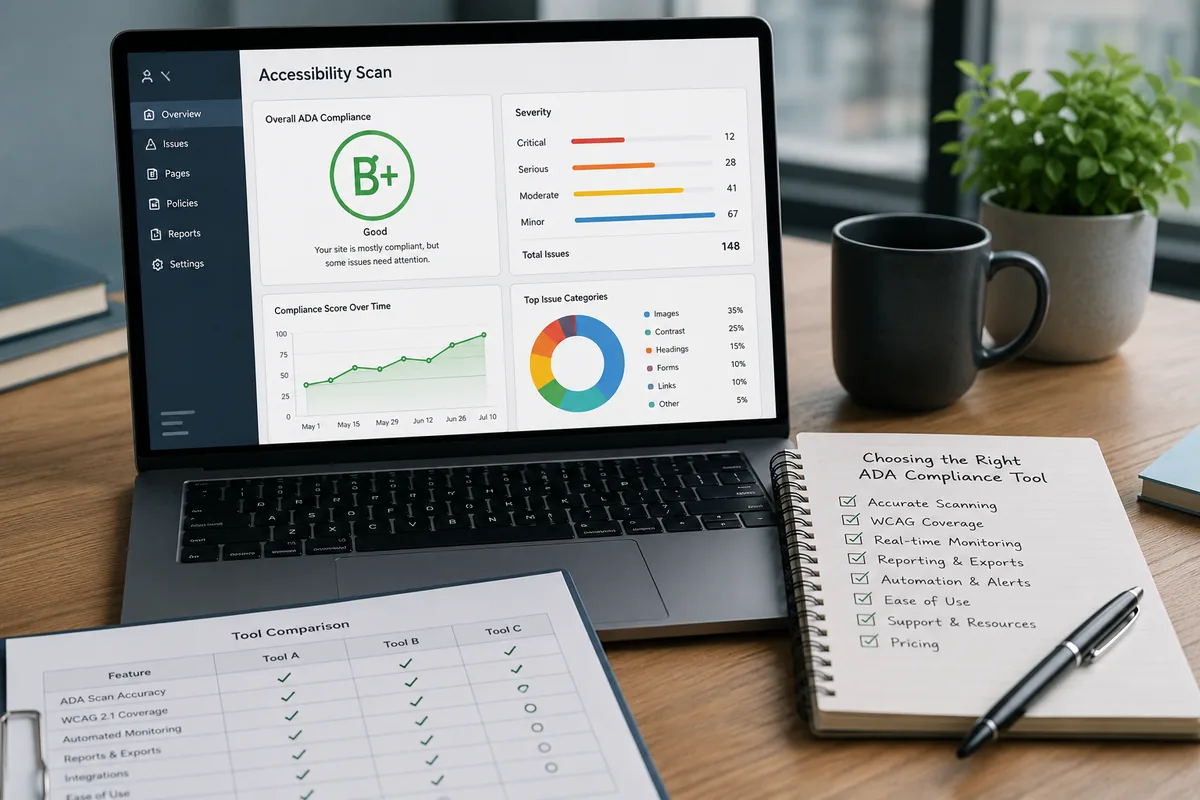
Crawl everything you publish, test each page against the success criteria, score it, name the failing element, and keep a dated history you can export. This is the category that produces the artifact an audit actually asks for.
The honest limitation, which applies to every product in this category including ours, is the automated testing ceiling described below. A scanner does not make your site better. It tells you and your team what to change.
The automated testing ceiling
This is the single most important thing to understand before you spend money, and it is the thing vendors are least likely to volunteer.
No scanner can evaluate every WCAG success criterion. Industry consensus puts automated coverage at roughly a third to 40 percent. The W3C says it plainly in its guidance on evaluating accessibility: “no tool alone can determine if a site meets accessibility standards. Knowledgeable human evaluation is required to determine if a site is accessible.”
Consider what that means concretely. A machine can tell you an image has no alt attribute. It cannot tell you whether alt="banner-final-v2.jpg" is meaningful. It can tell you a heading level was skipped. It cannot tell you whether your reading order makes sense in an unusual layout, whether an error message is genuinely understandable, or whether a keyboard-only user can complete your application form.
So why automate at all? Because of what the data says about where the volume is. WebAIM’s annual study of the top one million home pages, most recently run in February 2026, found detected WCAG failures on 95.9 percent of home pages, averaging 56.1 errors per page. Six failure types accounted for 96 percent of all errors found: low contrast text, missing image alternative text, missing form input labels, empty links, empty buttons, and missing document language.
Every one of those is machine-detectable, and nearly all of them are template-level. That is the case for automation in one sentence: the highest-volume portion of your remediation work is precisely the portion a scanner finds reliably, at a scale no human review can match. The remaining criteria still need people, and any honest program budgets for both.
What to actually look for
Seven questions separate the tools that will help from the ones that will produce a PDF nobody reads.
- Coverage. How many pages does the plan actually include? Does the crawl run on a schedule? Is content behind a login in scope, meaning student portals, staff intranets, and course pages, or does it stop at the public marketing shell?
- Evidence. What documents come out, and can you see a real sample before signing? A VPAT for procurement, a dated evidence report, a publishable accessibility statement, and a score history are the artifacts that get asked for. A dashboard is not evidence.
- Specificity of findings. Does a finding name the exact failing element and the success criterion it breaks, or does it name a rule and leave you searching? The gap between those two is the difference between a fix that happens this week and a backlog item.
- Usability for non-developers. Most content on a large site is published by people who are not developers. If findings only make sense to someone who reads DOM selectors, the department editors who created the problems cannot fix them. Seeing the violation marked on a picture of the page changes who can act.
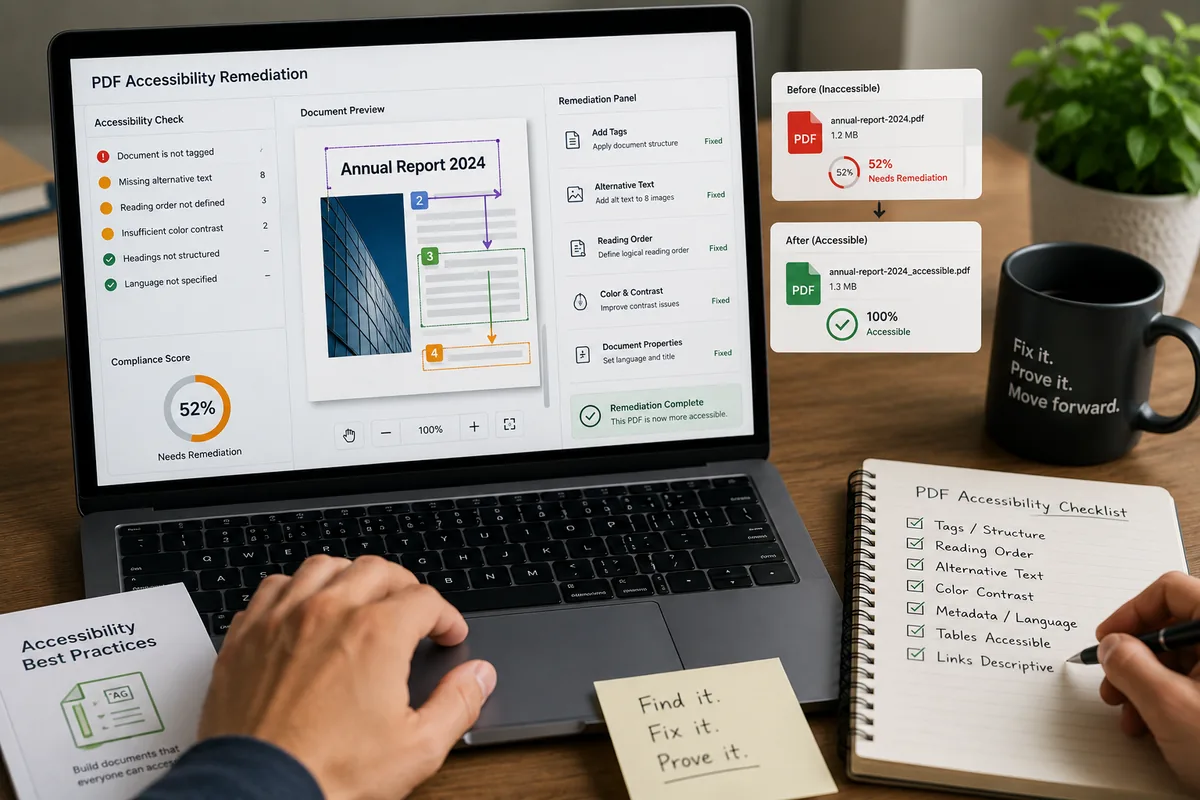
- Documents. Ask specifically about PDFs. On higher-ed and government sites the document library is frequently the largest untracked liability, and plenty of tools skip it entirely.
- What it does to your site. Does anything get injected into your pages? A tool that crawls from outside adds no page weight, no third-party script for your security team to review, and no new dependency between visitors and your content.
- What it admits it cannot do. Ask directly what the tool does not detect. A vendor who says nothing is out of reach is either misinformed or selling you something. The right answer is a specific, confident account of the ceiling and how they expect you to cover the rest.
Where the honest tradeoffs are
If you want a badge in the footer and no work, nothing in this market will genuinely deliver that, and the products that imply otherwise are the ones that have attracted scrutiny.
If your organization has a dedicated accessibility office running a mature manual audit program with contractual enterprise support requirements, an enterprise governance suite probably fits your procurement process better than a lighter tool will.
If you are the two or three people who own a large site, have a real deadline, and need to show documented progress to leadership, you want full-site coverage, findings a non-developer can act on, and evidence exports, at a price you can put in a budget request without a sales cycle first.
And if the finding list is long and nobody has time, the missing piece is not a better tool. It is a person. That is a service purchase, and it is worth naming it as one rather than buying a fifth dashboard.
How GuardGrid fits, plainly
GuardGrid is in the fourth category. It crawls every page in one pass on a schedule you set, grades each property A to F weighted by severity, names the exact failing element and the criterion it breaks, shows the violation marked in place on a page screenshot, and generates VPAT 2.5, Compliance Evidence PDFs, and a publishable accessibility statement from your real scan data. The same crawl also returns SEO, broken links, privacy and cookies, and security and TLS results.
What it does not do: rewrite your code, push changes into your CMS, or inject anything into your pages. Hands-on fixing is a separate done-for-you engagement through our ADA remediation service, where Revion Solutions engineers work in your codebase and re-scan to verify each change.
We put the full category-by-category breakdown, including where we are not the right answer, on our ADA compliance tools comparison page. If you want to see what your own site looks like before you evaluate anything, run a free scan and start from real numbers.
Once you have picked a tool, the next question is sequencing the work. Our practical guide to ADA website remediation covers how to order a fix list so the first weeks clear the most ground, and the Title II deadline explainer covers what the law actually requires and by when.
Frequently asked questions
What is the best ADA compliance tool?
There is no single best tool, because the categories solve different problems. If you need to know the state of a large site and prove it over time, you need a full-site scanner with evidence exports. If you need to spot-check one page you just changed, a free single-page checker is fine. If you have no internal capacity to fix anything, you need a remediation service, not a tool. The mistake is buying one category expecting another category's outcome.
Do accessibility overlays make a site ADA compliant?
No. An overlay is a script that adjusts pages in the visitor browser at runtime. It does not change the HTML your server sends, which is what an auditor, a procurement reviewer, or a plaintiff's expert tests. Overlays have drawn both litigation and regulatory scrutiny in the United States, and installing one does not create the documented record that protects an organization.
How much of WCAG can automated tools actually catch?
Industry consensus puts it at roughly a third to 40 percent of success criteria. The W3C states plainly that no tool alone can determine whether a site meets accessibility standards and that knowledgeable human evaluation is required. Any vendor claiming full automated conformance is describing something that does not exist.
Should we buy a tool or hire a service?
Most organizations eventually need both, and it helps to be clear which one you are buying. A tool tells you what is wrong and keeps a record. A service puts a person in your code to fix it. A tool alone leaves you with a list nobody has time to work through. A service alone gives you a point-in-time audit that goes stale the day it is delivered.
What should we ask in a demo?
Ask how many pages the plan actually covers and whether content behind a login is included. Ask what documents it exports and whether you can see a real sample. Ask whether findings show the failing element or only the rule name. Ask whether anything is injected into your pages. And ask what the tool cannot detect, because a vendor who claims nothing is out of reach is not being straight with you.