WCAG Severity Weighting: Prioritize Fixes
Not every WCAG violation carries the same weight. How severity scoring works, and how to sequence a fix list so the first week clears the most real risk.

The Problem With a Flat Issue List
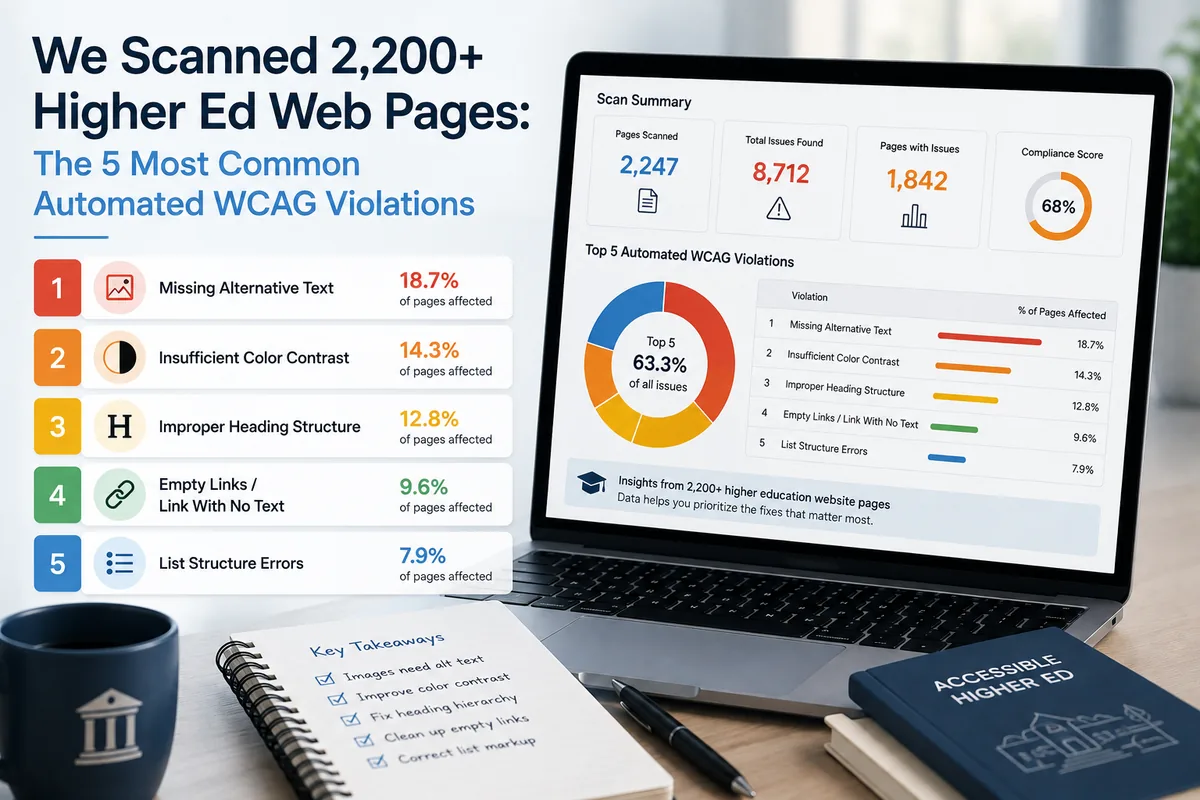
Most accessibility scanners hand you a list. Every violation sits at the same level of urgency, whether it breaks screen reader navigation entirely or nudges a color contrast ratio slightly below a guideline threshold. That flat list forces your team to make triage decisions without any structured help, and teams under pressure tend to pick the easiest fixes rather than the most important ones.
GuardGrid is built around a different premise: not all violations carry equal weight, and your workflow should reflect that.
Four Severity Levels, One Weighted Grade
GuardGrid classifies every open finding into one of four severity levels: Critical, Serious, Moderate, or Minor. Those levels are not cosmetic labels. They feed directly into the platform’s A-F compliance grade, which is computed as a severity-weighted score across all pages in your monitored property, not just a sample pulled from the homepage.
That distinction matters in practice. A site can look clean on its front page while dozens of interior pages carry Critical or Serious violations that affect real users. A homepage-only snapshot masks that exposure. A severity-weighted, site-wide grade does not.

The Impact Analyzer as a Prioritization Engine
Knowing severity per violation is useful. Knowing which pages and templates are responsible for the largest share of high-severity violations is more useful. The Impact Analyzer surfaces exactly that: the highest-leverage fixes available to your team at any point in time.
Because many sites are built on repeated templates, a single structural issue can replicate across a large number of pages. Fixing it once in the template eliminates the violation everywhere it appears. The Impact Analyzer identifies those patterns so remediation effort maps to actual compliance improvement rather than to whichever issues happen to appear at the top of an unordered list.
This makes the Impact Analyzer relevant well beyond one-time migrations or redesigns. It is a continuous prioritization mechanism. Every time GuardGrid scans your property, the analyzer re-ranks findings based on current data, so your team always works from an up-to-date picture of where effort has the highest return.
POUR Breakdowns and WCAG Criterion Tagging
Every violation in GuardGrid carries two additional layers of context: a per-principle POUR breakdown and a WCAG criterion tag. POUR refers to the four accessibility principles, Perceivable, Operable, Understandable, and Robust, that structure the WCAG guidelines.
These tags serve different audiences. A remediation engineer needs the criterion reference to look up the technical requirement and write a targeted fix. An accessibility coordinator reviewing program health needs the POUR breakdown to understand whether a site has a systemic gap in one principle or scattered issues across all four. GuardGrid surfaces both without requiring users to pivot between tools.

Tracking Progress With Score Delta Badges
Governance without feedback loops is difficult to sustain. GuardGrid attaches score delta badges to findings and grades, showing the change between the current scan and the previous one. Teams can see at a glance whether remediation work is moving the severity-weighted score in the right direction, holding steady, or slipping.
This visibility supports accountability in both directions. It gives remediation teams credit for genuine progress and surfaces regressions before they compound into a larger compliance gap.
Reporting Across Audiences
Compliance data is only as useful as the people acting on it can understand it. GuardGrid’s Report Builder includes six presets designed for distinct audiences: executives who need a summary grade and trend, auditors who need documented evidence of findings and remediation activity, and technical teams who need actionable violation details.
Pro and Enterprise plan users can also generate Compliance Evidence PDFs that include severity breakdowns. These documents are structured to serve as formal records for legal review, accessibility audits, or internal governance reporting. For organizations managing ADA compliance remediation obligations, having a reproducible, severity-graded evidence record is a meaningful operational advantage.
Why Continuous Governance Beats a Point-in-Time Audit
A one-time audit tells you the state of your site on a specific day. It cannot account for content updates, template changes, third-party script additions, or new pages published after the audit closes. For any organization that regularly updates its web presence, a static audit report ages quickly.
GuardGrid is designed for ongoing monitoring. Severity-weighted grades, the Impact Analyzer, POUR and criterion tagging, delta tracking, and report presets all compound in value over time because they operate on current data. Each scan cycle gives your team an updated prioritization of what to fix, evidence of what has been fixed, and a running record of compliance trajectory.
If you want to see how severity weighting and continuous governance work across your specific property, the GuardGrid platform is built to be evaluated against your real site, not a demo dataset.